Every Mac version
Every version of the Mac's system software, from the first Mac in 19841 to macOS 27 Golden Gate, the newest as of November 2026.2 Small updates and editions like System 7 Pro are left out.41 Mac OS 7.6 is listed because with it, the name changed to Mac OS.3
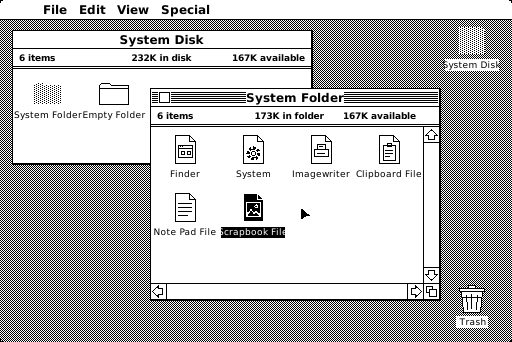
Our drawing of the System 1 desktop (1984). See the real screen System 1
The first Mac's system: icons, windows and menus, worked with a mouse. Apple said it typically took only a few hours to learn.1
Our drawing of the System 1 desktop (1984). See the real screen System 2
Its Finder 4.1 added a Shut Down command and the MiniFinder, a quicker way to open programs.4, 5
Our drawing of the System 1 desktop (1984). See the real screen System 3
Came with the Macintosh Plus, where the new hierarchical file system was standard. It removed the limit on how many files a disk could hold.6, 7
Our drawing of the System 1 desktop (1984). See the real screen System 4
Came with the Mac SE and the Mac II. The Mac II's Control Panel set up color screens and could join several monitors into one.6, 8
Our drawing of the System 1 desktop (1984). See the real screen System 5
The first version with MultiFinder, which kept several programs open at once, so a long job could run in the background.6, 9
Our drawing of the System 1 desktop (1984). See the real screen System 6
Added MacroMaker, which recorded keyboard and mouse actions like a tape recorder, and CloseView, which magnified the screen.10
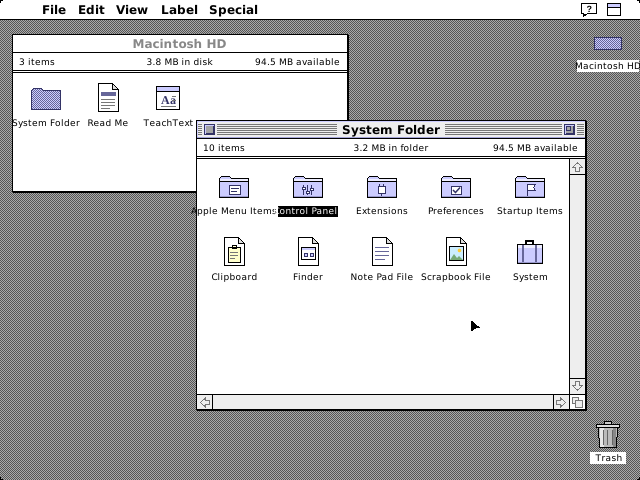
Our drawing of the System 7 desktop (1991). See the real screen System 7
Added virtual memory, aliases, file sharing, Balloon Help, a Find command and Force Quit.11
Our drawing of the System 7 desktop (1991). See the real screen Mac OS 7.6
Mentions of "Macintosh" in the system changed to "Mac OS". It also brought a much improved Extensions Manager.3
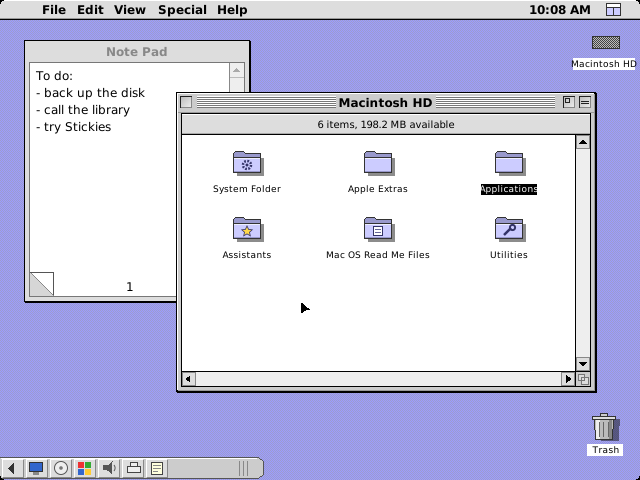
Our drawing of the Mac OS 8 desktop (1997). See the real screen Mac OS 8
A Finder that could copy files and empty the Trash at the same time, a grey 3D "platinum" look, and contextual menus.12
Our drawing of the Mac OS 8 desktop (1997). See the real screen Mac OS 9
Several people could share one Mac, each with their own settings. It also brought back the Keychain for passwords and added Sherlock 2.13, 14
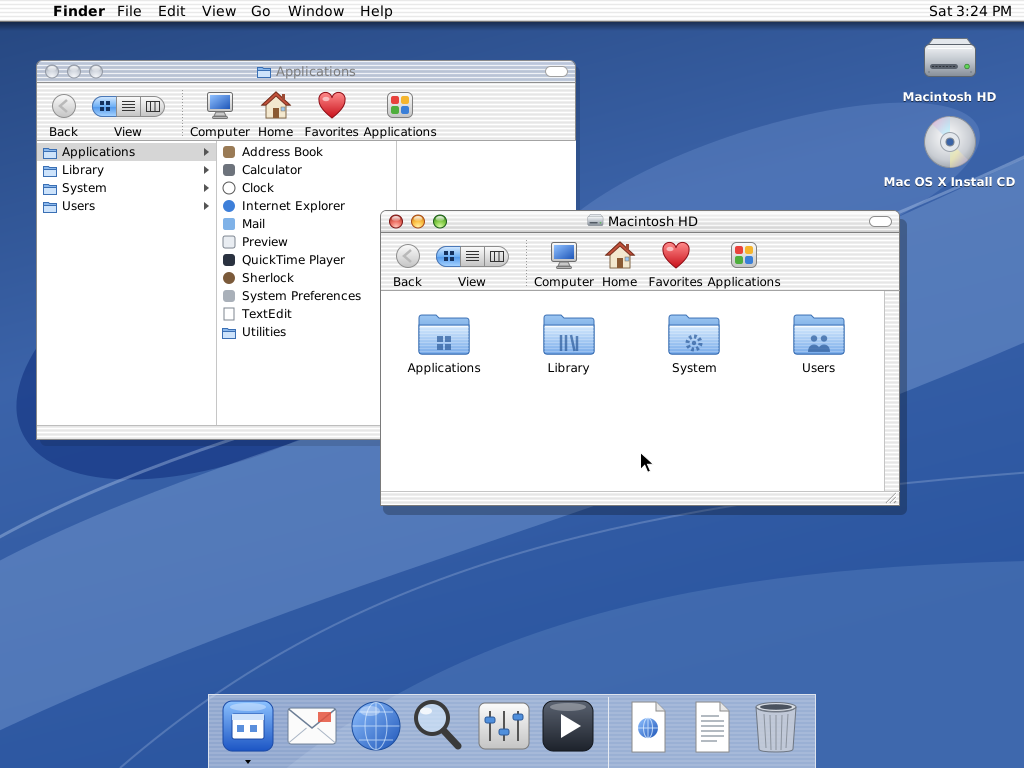
Our drawing of the Mac OS X 10.0 desktop (2001). See the real screen Mac OS X Cheetah 10.0
Built on Darwin, a UNIX-based core, with the new Aqua look and the Dock. Older programs ran in Classic, using Mac OS 9.1.15
Our drawing of the Mac OS X 10.0 desktop (2001). See the real screen Mac OS X Puma 10.1
The first major upgrade: apps launched two to three times faster, and it could burn CDs and DVDs.16
Our drawing of the Mac OS X 10.0 desktop (2001). See the real screen Mac OS X Jaguar 10.2
Added iChat for instant messages, a Mail junk filter that got smarter as you used it, and a system-wide Address Book.17
Our drawing of the Mac OS X 10.0 desktop (2001). See the real screen Mac OS X Panther 10.3
Exposé showed all open windows at once. Also new: Fast User Switching, and FileVault, which encrypted your home folder.18
Our drawing of the Mac OS X 10.0 desktop (2001). See the real screen Mac OS X Tiger 10.4
Spotlight could instantly find anything on your Mac, and Dashboard showed widgets for things like weather forecasts and stock quotes.19
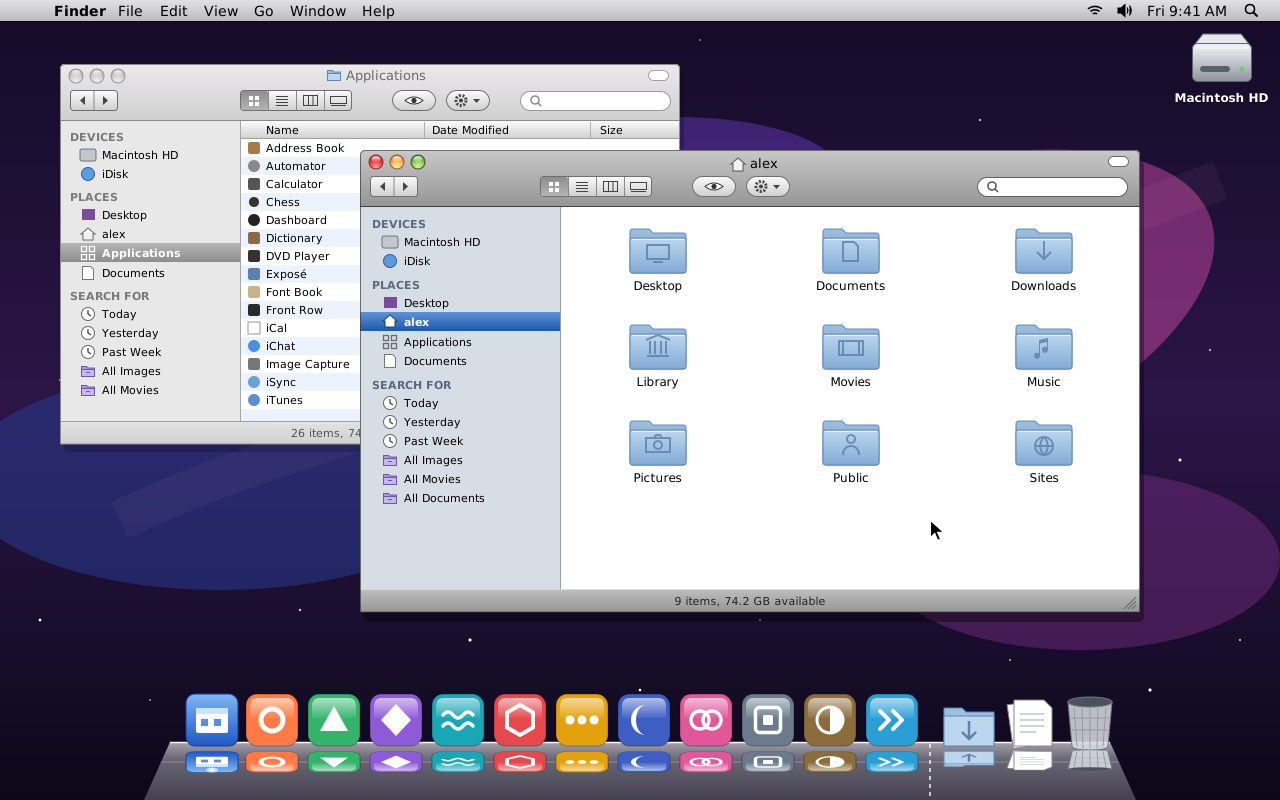
Our drawing of the Mac OS X Leopard desktop (2007). See the real screen Mac OS X Leopard 10.5
Time Machine backed up everything on a Mac automatically. Also new: Spaces, Quick Look and Stacks in the Dock.20
Our drawing of the Mac OS X Leopard desktop (2007). See the real screen Mac OS X Snow Leopard 10.6
Hundreds of refinements and built-in Microsoft Exchange support. Half the size of Leopard, it cost Leopard users $29.21
Our drawing of the Mac OS X Leopard desktop (2007). See the real screen OS X Lion 10.7
Sold as a download from the Mac App Store. It brought full-screen apps, Mission Control and Launchpad, a home for all your apps.22
Our drawing of the Mac OS X Leopard desktop (2007). See the real screen OS X Mountain Lion 10.8
Added Messages, Notification Center and Dictation, plus Gatekeeper, which made downloading software from the internet safer.23
Our drawing of the Mac OS X Leopard desktop (2007). See the real screen OS X Mavericks 10.9
Free from the Mac App Store, starting what Apple called a new era of free upgrades. Added Maps, iBooks and Finder Tabs.24
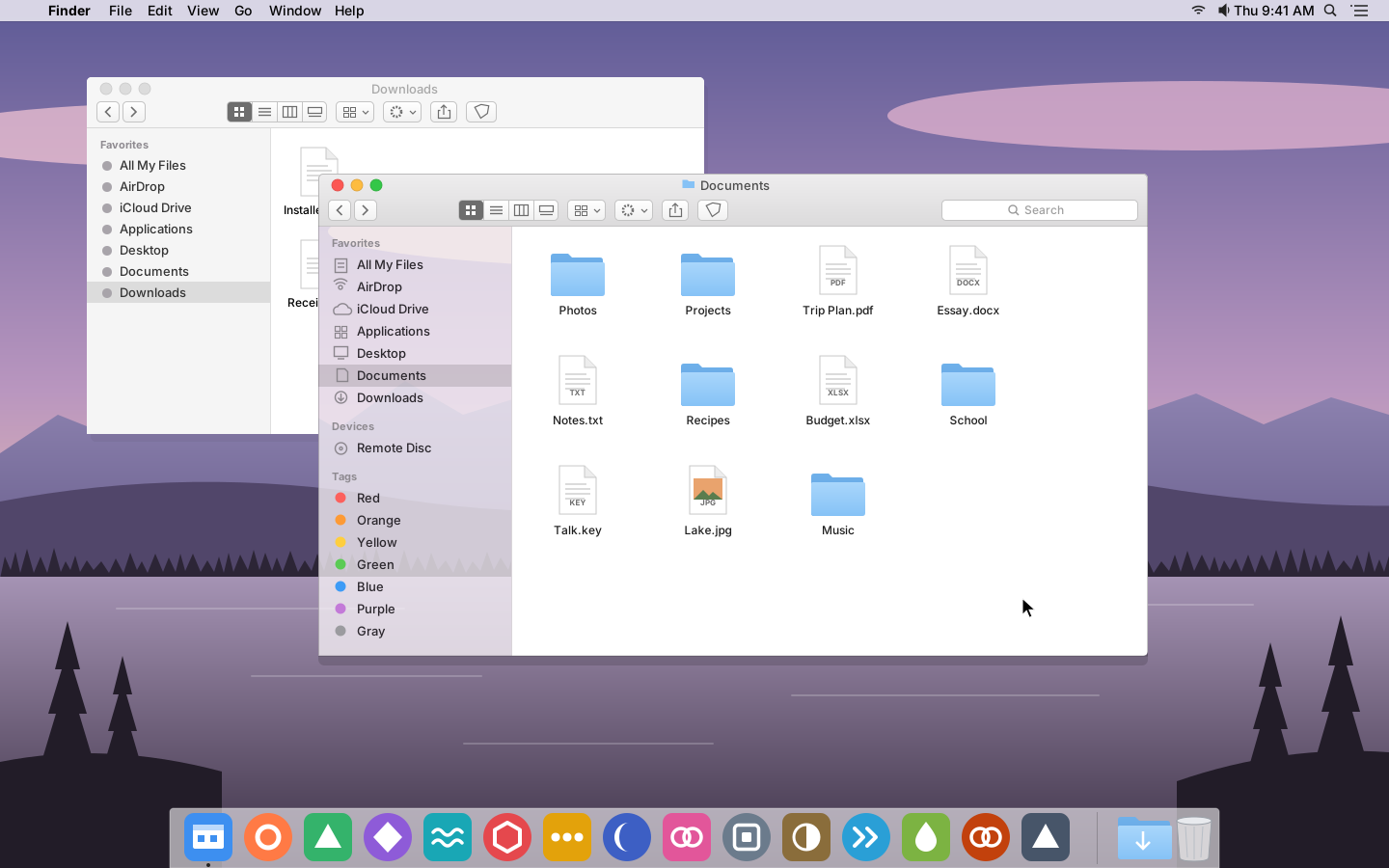
Our drawing of the OS X Yosemite desktop (2014). See the real screen OS X Yosemite 10.10
A fresh, modern look with translucent sidebars. Handoff passed what you were doing between your Mac and iOS devices.25
Our drawing of the OS X Yosemite desktop (2014). See the real screen OS X El Capitan 10.11
Refined the Mac experience and improved performance. Split View put two apps side by side in full screen.26
Our drawing of the OS X Yosemite desktop (2014). See the real screen macOS Sierra 10.12
The first called macOS. It brought Siri to the Mac, plus Universal Clipboard and Auto Unlock with an Apple Watch.2, 27
Our drawing of the OS X Yosemite desktop (2014). See the real screen macOS High Sierra 10.13
Introduced APFS, a new file system that made copying files nearly instant, and HEVC, for 4K video in less space.28
Our drawing of the OS X Yosemite desktop (2014). See the real screen macOS Mojave 10.14
Dark Mode gave the desktop a dramatic darkened color scheme, and Stacks tidied messy desktops into neat groups of files.29, 30
Our drawing of the OS X Yosemite desktop (2014). See the real screen macOS Catalina 10.15
Apple Music, Apple Podcasts and Apple TV replaced iTunes, and Sidecar let an iPad work as a second display.31
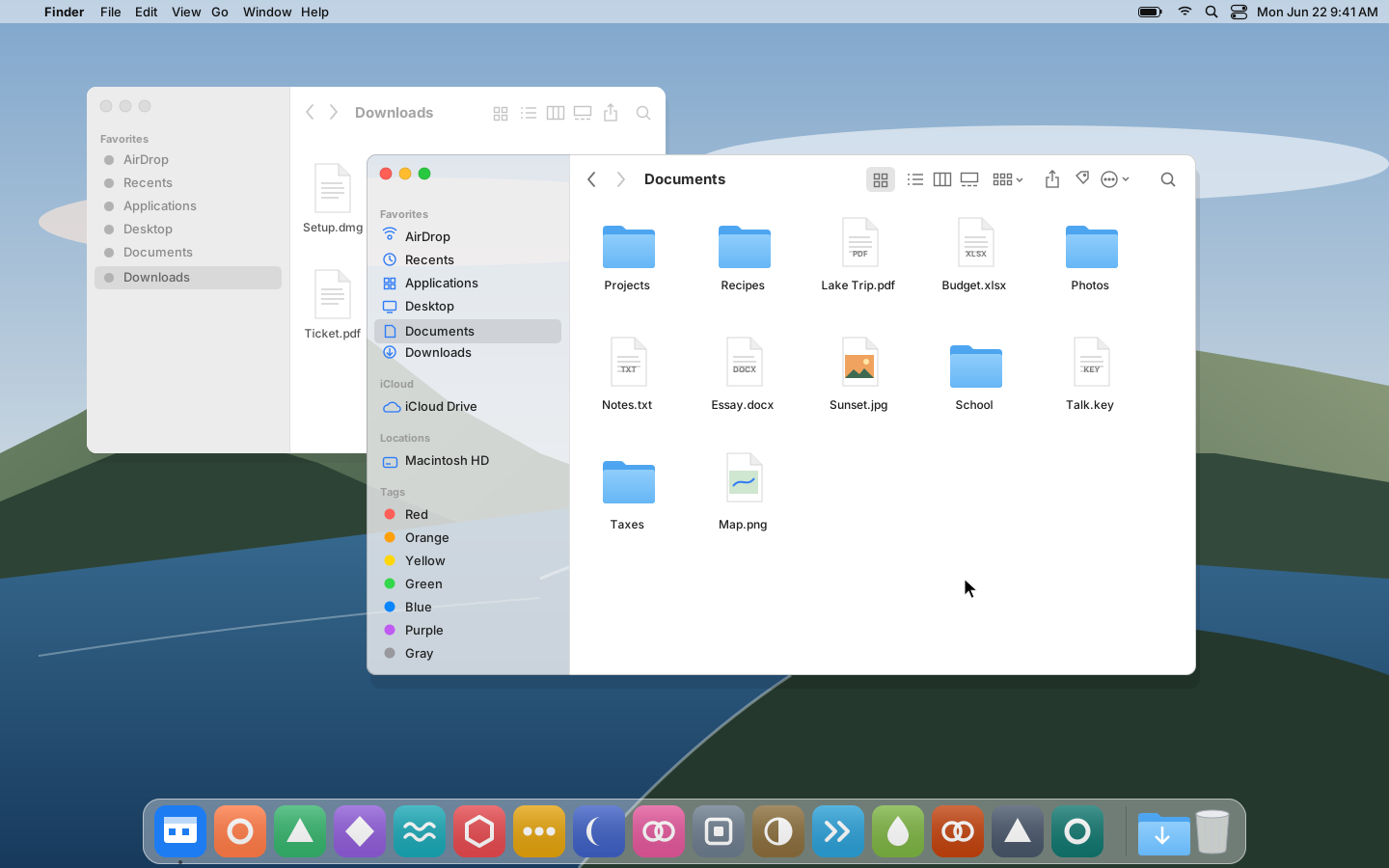
Our drawing of the macOS Big Sur desktop (2020). See the real screen macOS Big Sur 11
A spacious new design and version 11. It was engineered for Apple's M1 chip, and Rosetta 2 ran apps made for Intel Macs.2, 32
Our drawing of the macOS Big Sur desktop (2020). See the real screen macOS Monterey 12
Added Shortcuts for automating everyday tasks, plus Focus, Quick Note and Live Text, which finds text in photos.33
Our drawing of the macOS Big Sur desktop (2020). See the real screen macOS Ventura 13
Stage Manager organized apps and windows, Continuity Camera used an iPhone as a webcam, and System Preferences became System Settings.34
Our drawing of the macOS Big Sur desktop (2020). See the real screen macOS Sonoma 14
Widgets could sit right on the desktop, and Presenter Overlay showed you in front of what you shared on video calls.35
Our drawing of the macOS Big Sur desktop (2020). See the real screen macOS Sequoia 15
iPhone Mirroring let you use your iPhone from your Mac, and a new Passwords app kept logins in one place.36
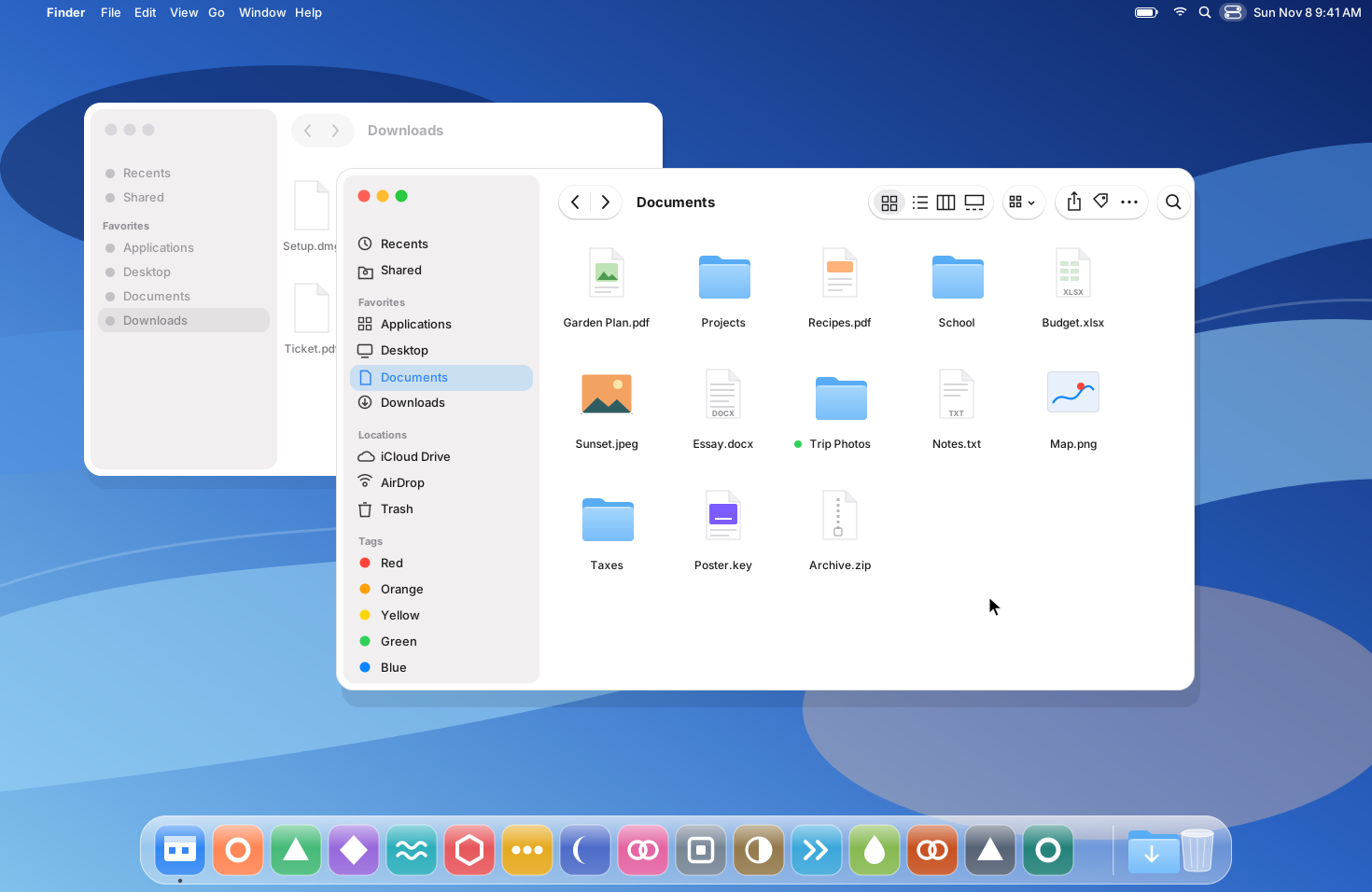
Our drawing of the macOS Tahoe 26 desktop (2025). See the real screen macOS Tahoe 26
Liquid Glass, a translucent new design shared with iOS 26 and iPadOS 26, and a completely transparent menu bar.37, 38, 39
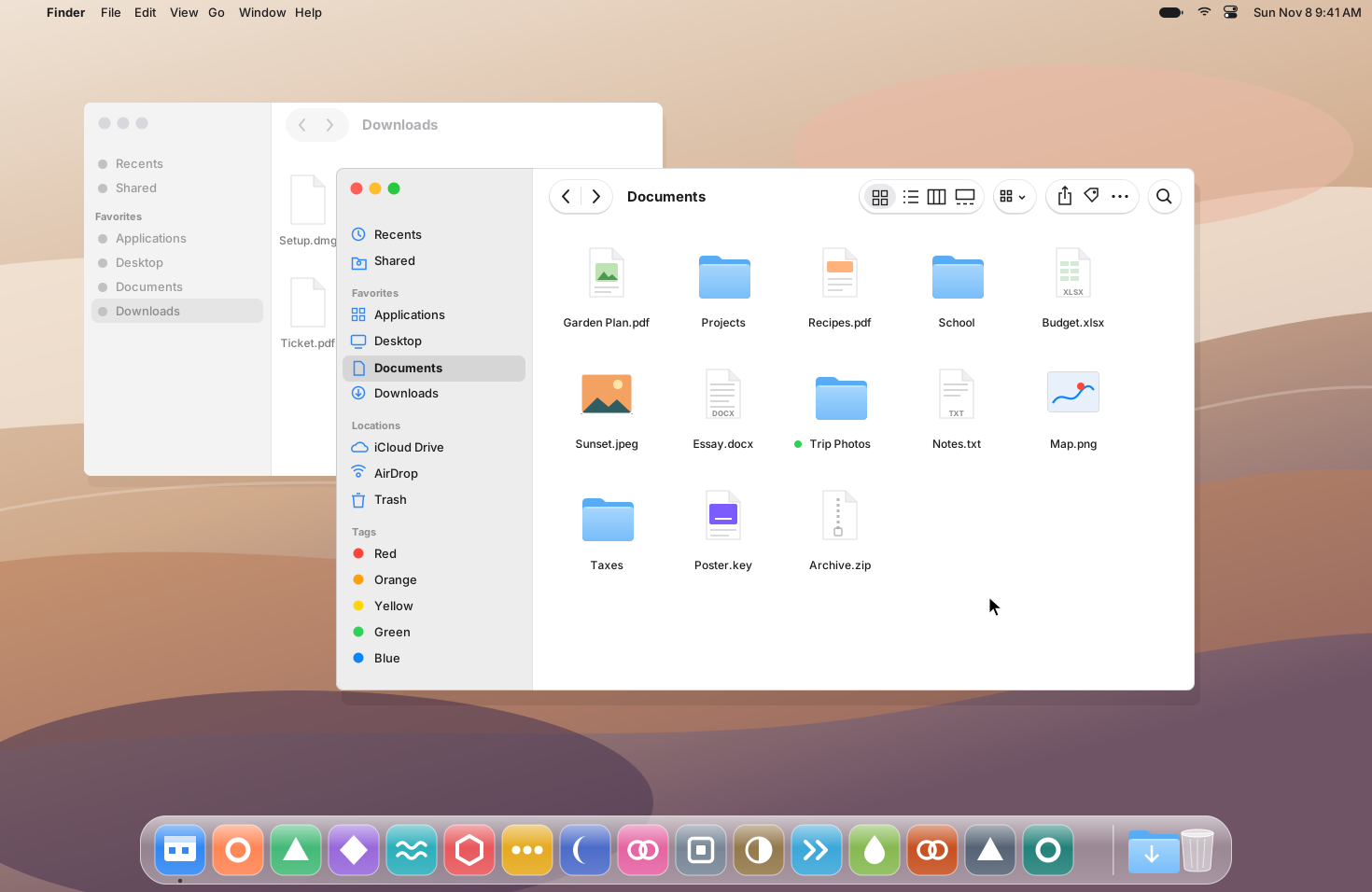
Our drawing of the macOS 27 Golden Gate desktop (2026). See the real screen macOS 27 Golden Gate
The newest as of November 2026. It introduced Siri AI, in beta, and a slider to set Liquid Glass from ultraclear to fully tinted.2, 39, 40