Mac OS X 10.0
2001 · Mac
Released on 24 March 2001 for $129. A completely new Mac system, built on a UNIX-based core, with the Aqua look and the Dock.1, 2
Info only Sources See every Mac version →
- Released
- 24 March 20011
- Price
- $129 in the United States1
- Built on
- Darwin, an open source, UNIX-based core1
- Needed
- At least 128 MB of memory1
A new system for the Mac
Apple called Mac OS X a completely new version of the Macintosh operating system.2 At its core was Darwin, an open source system based on UNIX.1 Darwin brought true memory protection, for higher reliability, and preemptive multitasking, so several programs ran together more smoothly.2
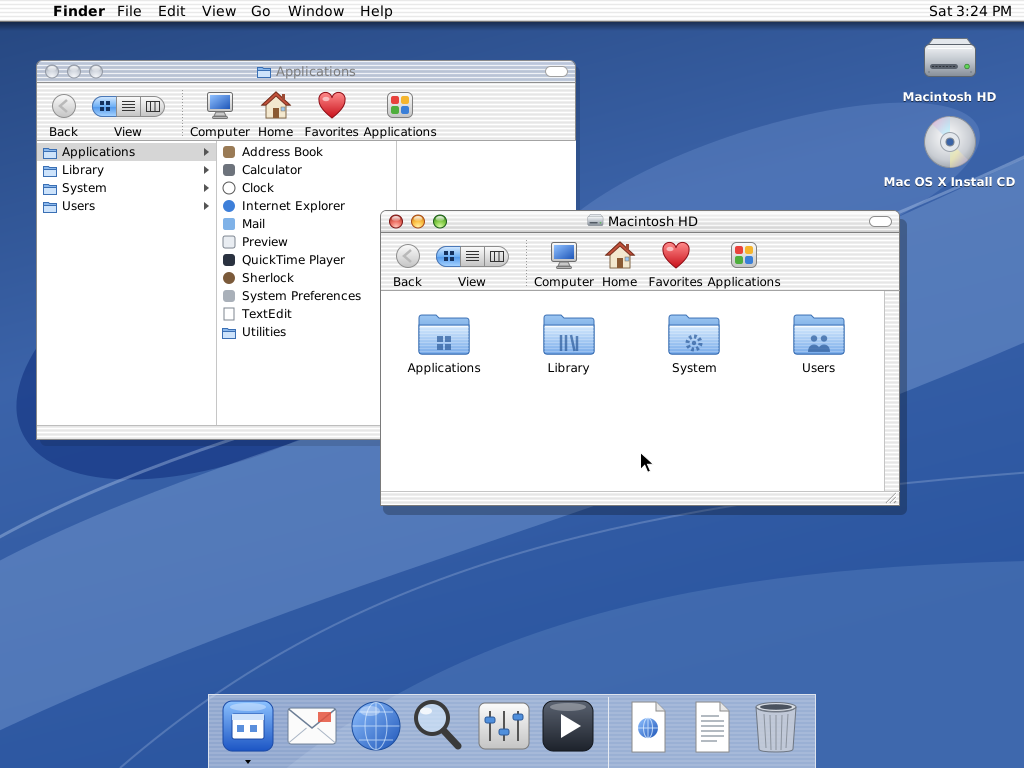
Aqua and the Dock
The new look was called Aqua. It had glowing, see-through buttons, scroll bars and windows, and smooth animation.2 Aqua's Dock was a new way to organize everything from programs and documents to web sites and streaming video.2
))
Old programs kept working
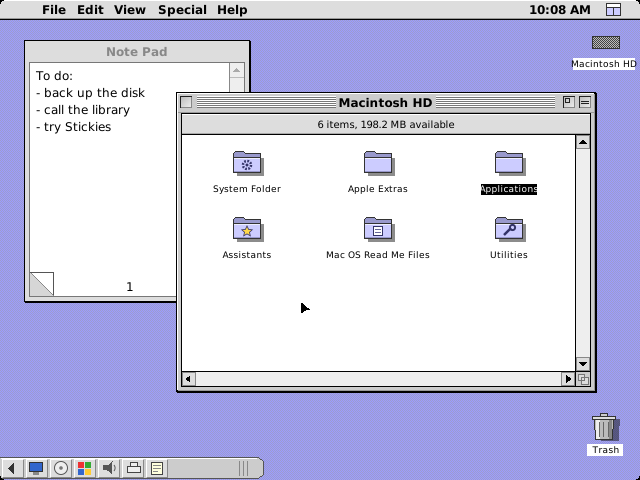
Most older Mac programs ran "as is" in a part of the system called Classic.3 For that, the box included a full copy of Mac OS 9.1.1 Apple said over 350 programs for Mac OS X were already shipping, with hundreds more coming by summer.1
Key moments
- 2000 On 5 January, Apple shows Mac OS X and its new Aqua look at Macworld Expo in San Francisco.2
- 2000 On 13 September, a Public Beta goes on sale for $29.95, so users can test it and send feedback.4
- 2001 Mac OS X goes on sale in stores on 24 March.1
- 2001 Version 10.1 goes on sale on 29 September. Apps launch two to three times faster.5