macOS Big Sur
2020 · Mac
Released on 12 November 2020 as a free update, with a fresh design. It was engineered for M1, Apple's first chip designed for the Mac.2, 3
Info only Sources See every Mac version →
- Released
- 12 November 20202
- Version
- 11, after 10.15 Catalina5
- Price
- Free update2
- New chip
- Apple M1, introduced 10 November 20203
A fresh new look
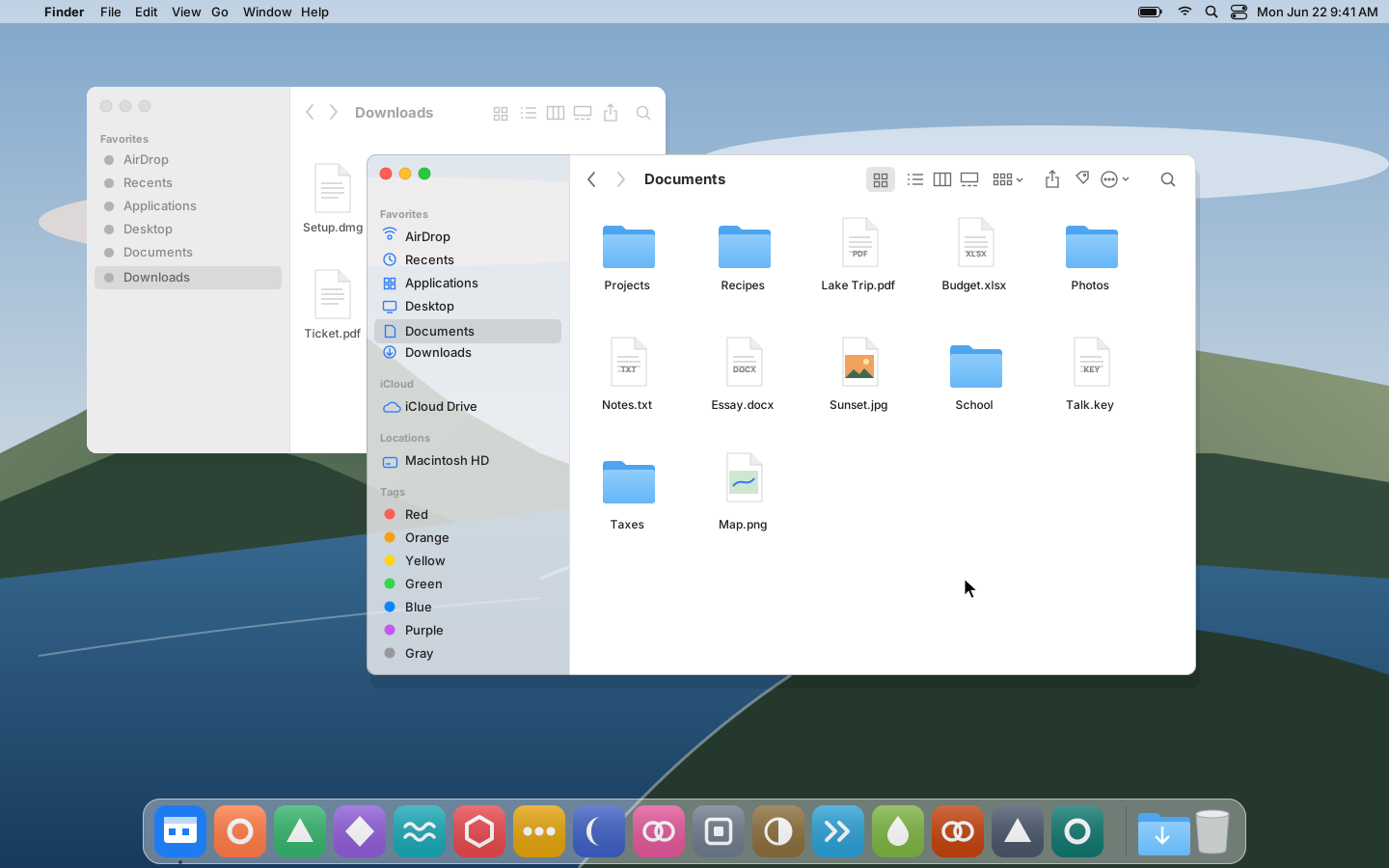
Apple called Big Sur the biggest design upgrade since Mac OS X. Everything was refined, from the curve of window corners to the colors and materials. Icons in the Dock were redesigned to match Apple's other devices more closely, while still looking like the Mac.1
))
Apple's own chips
In June 2020, Apple said it would move the Mac to its own chips, Apple silicon, over about two years.4 The first chip, M1, came in November in the MacBook Air, the 13-inch MacBook Pro and the Mac mini.3 Big Sur was engineered to take full advantage of M1. A new technology, Rosetta 2, let apps made for Intel Macs run on the new Macs.2
Controls in the menu bar
A new Control Center in the menu bar gave quick access to Do Not Disturb, displays, keyboard brightness and more. Safari got its biggest update since it first came out in 2003.2
))
Key moments
- 2020 On 22 June, Apple introduces Big Sur and announces that the Mac will move to Apple silicon.1, 4
- 2020 On 10 November, Apple announces M1, its first chip designed specifically for the Mac.3
- 2020 Big Sur comes out on 12 November as a free update.2
- 2021 macOS Monterey, version 12, follows on 25 October.5, 6