ReactOS
1996 → today · Windows
A free, open-source operating system written from scratch to work like Windows.1 It began in 1996 and is not made by Microsoft.2, 4
- Made to run
- Windows programs and drivers1
- License
- Free and open source1
- Our lesson uses
- ReactOS 0.4.16, from August 20265
Why it was made
Around 1996, a group called FreeWin95 set out to build a free copy of Windows 95. They talked and planned, but had nothing to show.3 At the end of 1997, Jason Filby took over and restarted the project with a new target: Windows NT. It was renamed ReactOS, as a reaction to Microsoft's monopoly on home computer operating systems.2, 3
What it looks like
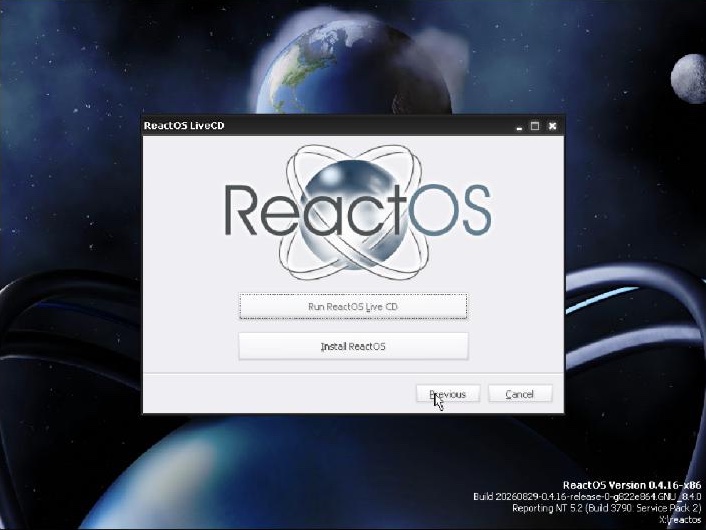
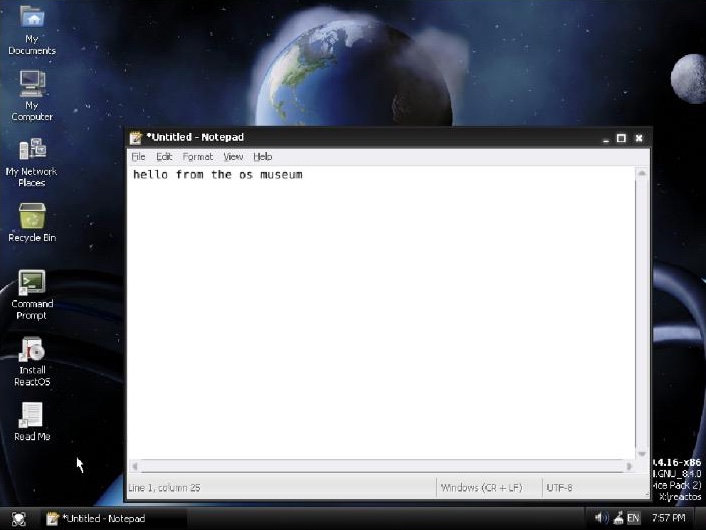
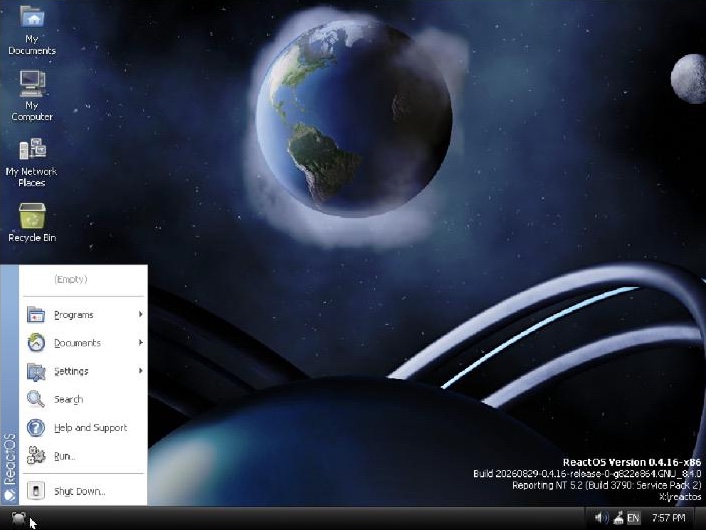
ReactOS looks and feels like Windows, and it can run Windows programs and drivers. As of November 2026, not every program works, so the team suggests testing yours first.1 It has its own versions of familiar Windows tools, from Notepad to the command prompt.4
Where it is today
As of November 2026, the newest version is 0.4.16, from August 2026.6, 5 It brought a new graphical installer, and one CD now lets you try or install it. For years the team kept strictly to what Windows Server 2003 offered. They have since loosened that rule, but releases are still built to match it.5
Key moments
- 1996 Around 1996, a group called FreeWin95 sets out to make a free copy of Windows 95.3 ReactOS counts its birthday from the first entry in its code history, in January 1996.2
- 1998 In February, the project starts again as ReactOS, now aiming at Windows NT.3
- 2003 ReactOS 0.1.0 comes out on 1 February. It is the first to start from a CD, with a command line but no desktop.2
- 2016 ReactOS 0.4.0 comes out on 16 February, with a new desktop shell built more like Windows Explorer.2
- 2026 ReactOS 0.4.16 comes out on 29 August.5