FreeDOS
1994 → today · DOS
A free, open-source DOS that student Jim Hall started in 1994.1 It runs classic DOS programs and games, and is still updated as of November 2026.2
▶ Try it Try the projects Sources
- First announced
- 29 June 19943
- Started by
- Jim Hall, then a university student5
- License
- Free and open source5
- Our lesson uses
- FreeDOS 1.3, from February 20226
Why it was made
DOS was popular through the 1980s and into the 1990s. Then, in 1994, Microsoft said the next Windows would replace DOS entirely.1 Jim Hall, a university student who still liked DOS, decided to write a free one together with other people over the internet.5
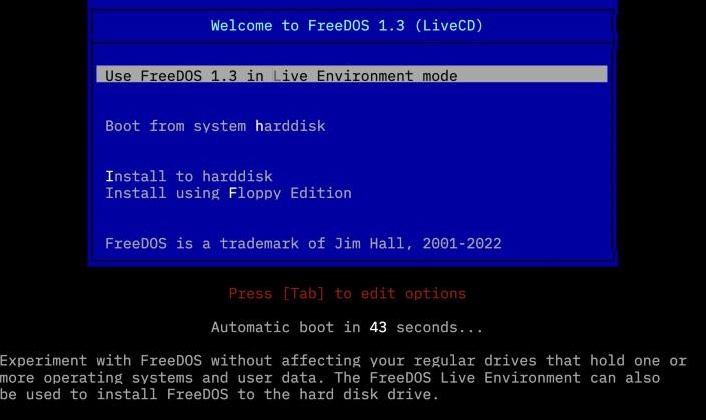
What it looks like
FreeDOS gives you a full DOS command line, with the commands people remember from classic DOS.5 Programs made for MS-DOS should run on it too.2 Its command shell, FreeCOM, began when volunteer Tim Norman offered to write a COMMAND.COM.7
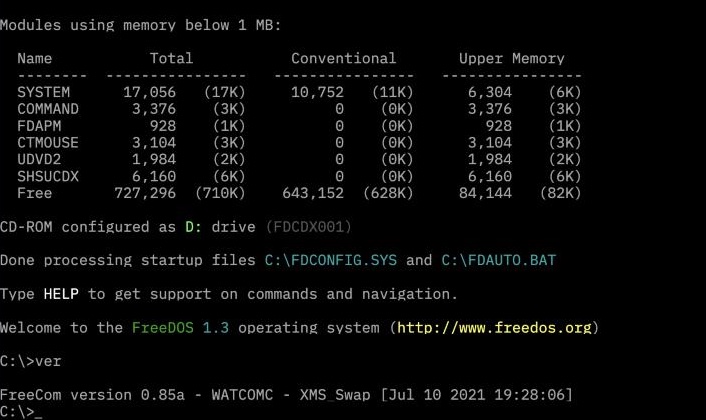
Where it is today
As of November 2026, the newest version is FreeDOS 1.4, and the project shares a new test version every month. You can use it to play classic games, run old business software or write new DOS programs.2
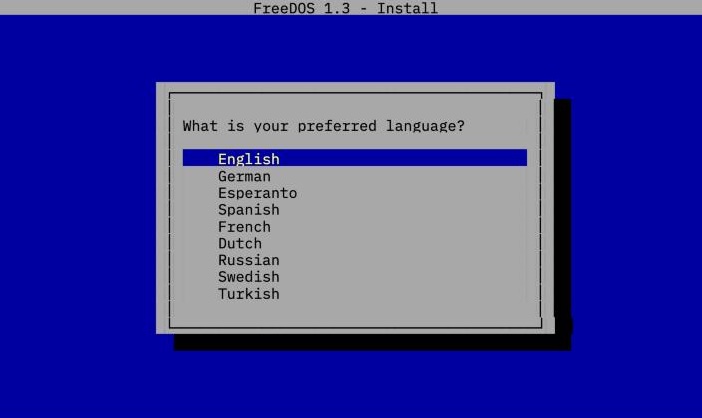
Key moments
- 1994 On 29 June, Jim Hall announces "PD-DOS" (PD for public domain) on Usenet.4, 7 About a week later it is renamed Free-DOS, and later FreeDOS.5
- 1994 The first release, Alpha 1, comes out on 16 September.6
- 1998 Thanks to Pat Villani, FreeDOS has a working kernel by October.7
- 2006 FreeDOS 1.0 comes out on 3 September, after years of test versions.6
- 2025 FreeDOS 1.4 comes out on 5 April.8