Windows 7 was made for a time when laptops were outselling desktops and people went online through wireless hotspots.2 With Snap, you dragged a window to the edge of the screen and it resized itself. With Shake, you shook one window with the mouse and all the others shrank out of the way.1 With a touch screen, you could use your fingers too.1
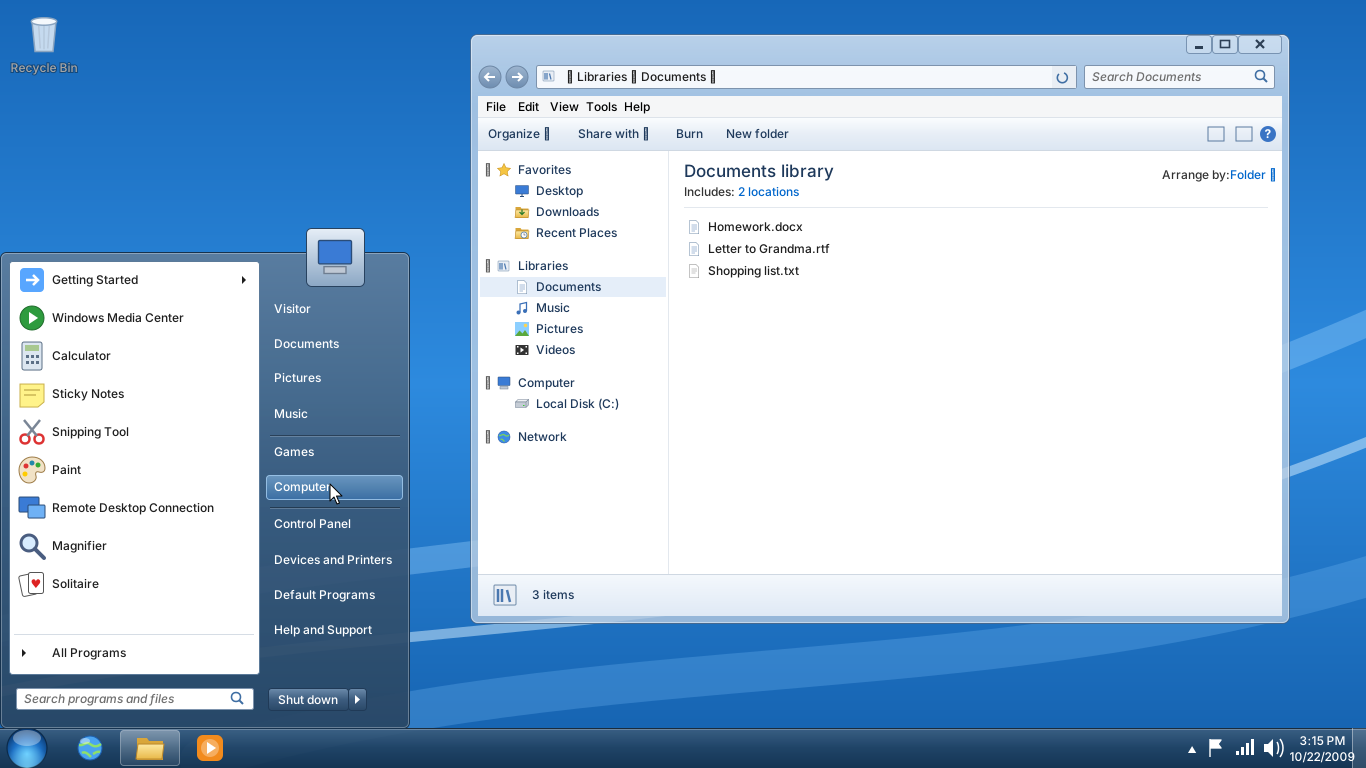
Illustration · not a screenshot Our drawing of Windows 7: see-through glass edges, the round Start button and the two-column Start menu. While the menu is open, the Documents window behind it is inactive. See the real screen
A new taskbar
The taskbar was completely redesigned. It became the place to start programs and switch between windows, and it could show small previews of web pages, documents and even running video.1
Illustration · not a screenshot Close-up of our drawing: the round Start button and the big taskbar buttons. The folder button is framed because Windows Explorer is running. See the real screen
Key moments
2009 Windows 7 comes out worldwide on 22 October, after feedback from 8 million beta testers.1
2015 In January, mainstream support ends. Extended support continues until 2020.3
2020 In January, support ends. Some business editions can get extra security updates for up to three more years.3
))